The AI cosmetic detector for skincare, undertones and makeup shades.
Beauty,in yourcolour.
Explore skincare, undertones, and makeup shades through a more considered approach to personal beauty.
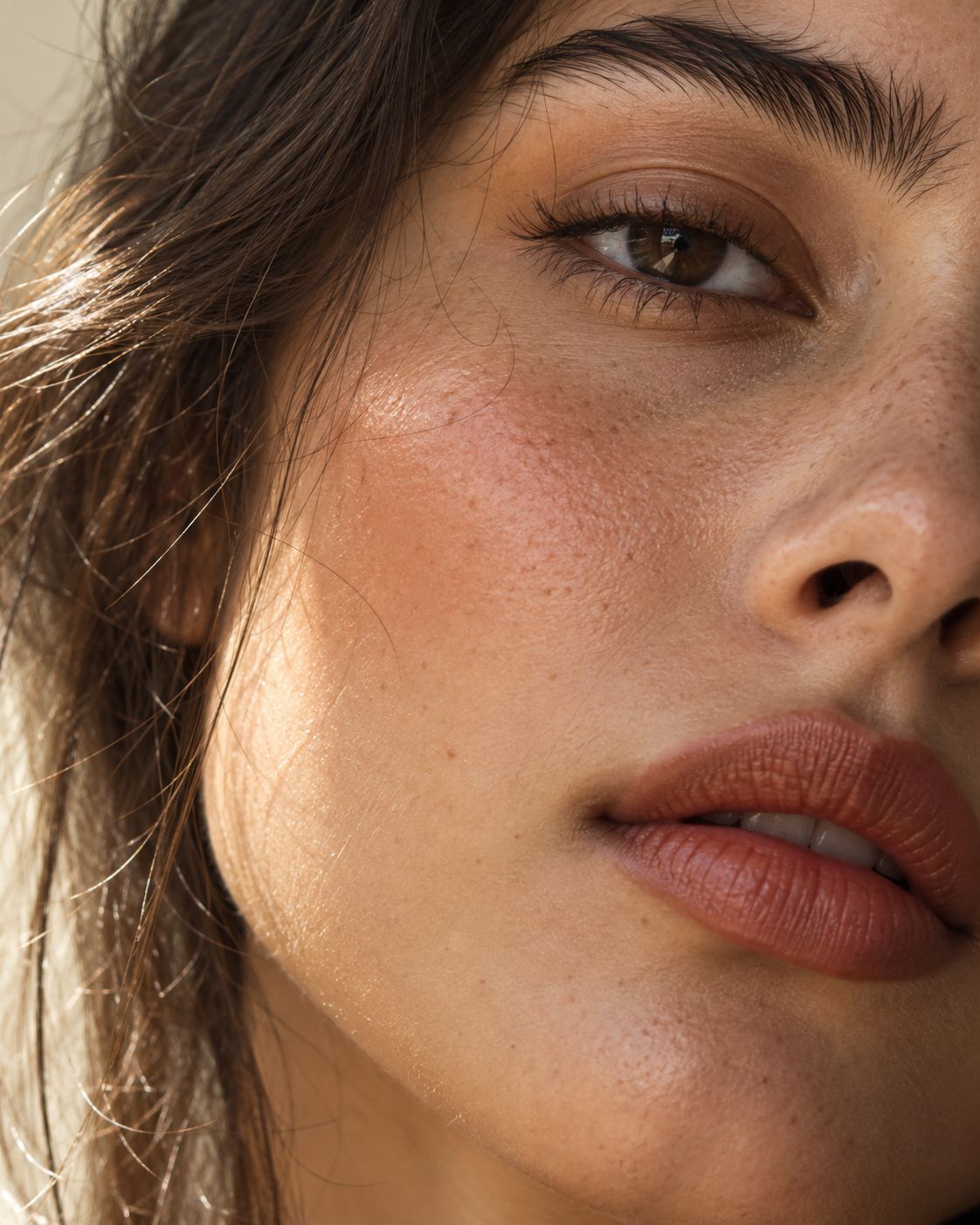
4:5 portrait or pigment close-up, soft directional light
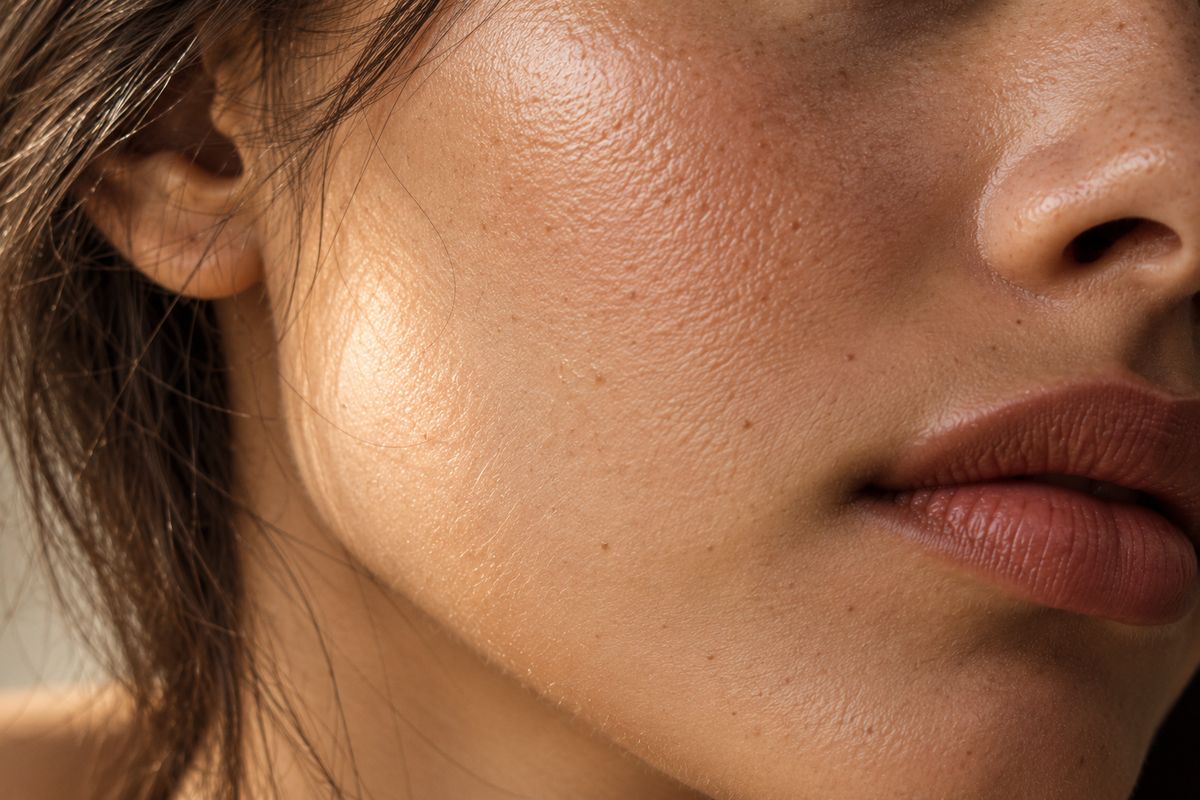
Your skin
Skin type, concerns, sensitivity, ingredients to avoid and a price ceiling.
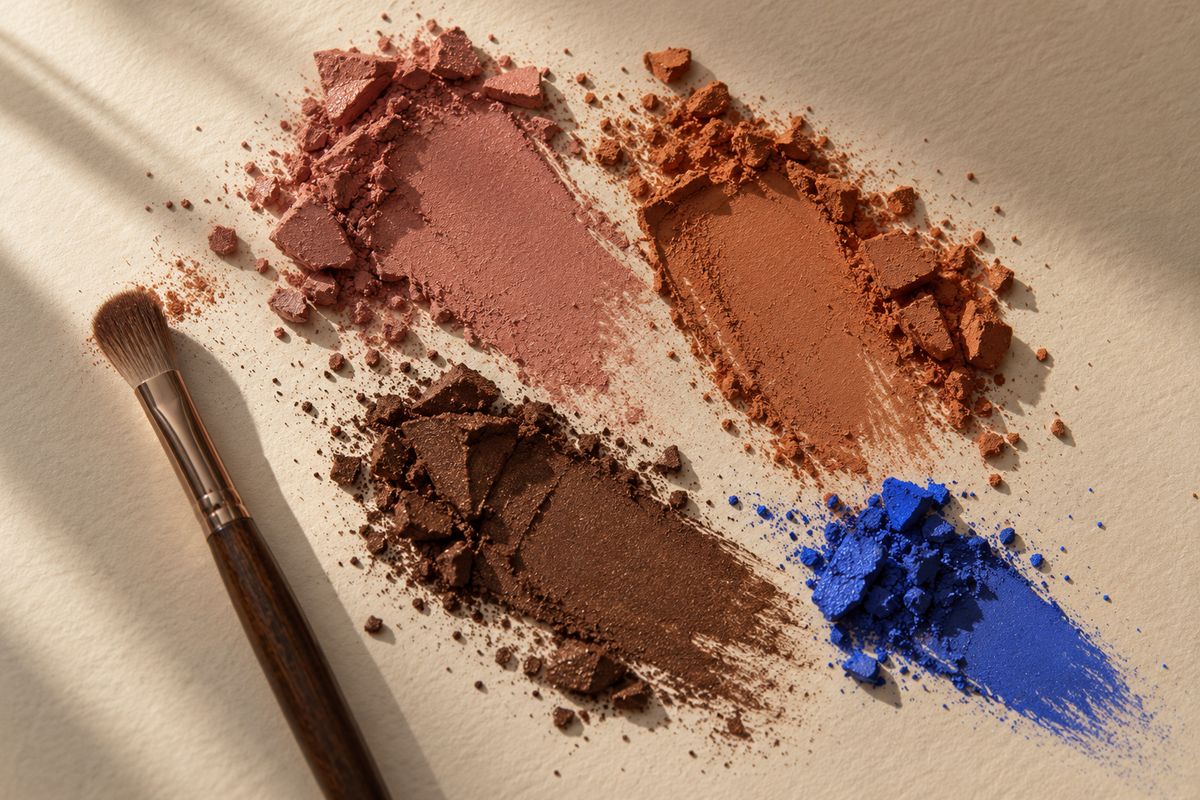
Colour analysis
An optional photo gives an estimated skin colour and tone to compare shades against.
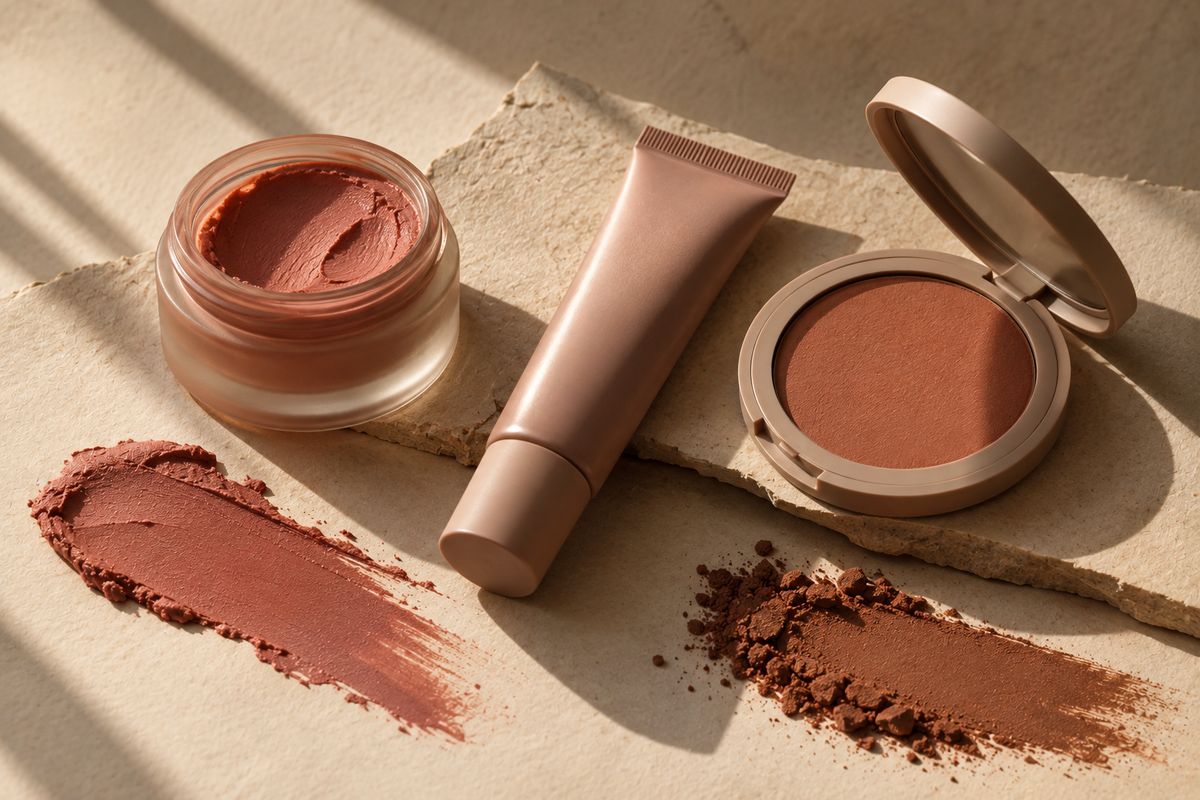
Your edit
Skincare, makeup shades, a morning and evening routine, and a shopping list.
Live demo
Choose a sample face. The studio runs a scripted analysis and fills the edit below with sample products and shades. Everything in the demo is hardcoded sample data, not a real analysis and not real products.
Consultation
Six short steps, and only the first is required. Nothing is submitted until you generate your recommendations, and every answer can be changed at the review.
- 01Your skin
- 02Skin quiz
- 03Concerns and colour
- 04Budget and avoid list
- 05Photo
- 06Review
Your skin
Start with what you know. Every answer after this builds on it.
Sensitive skin switches your sunscreen to mineral-only. You will see that on the sunscreen pick in your skincare results.
We use their ingredient lists to find similar products, and we will not recommend them back. Up to 10. This was the strongest signal in our own testing.
Skin quiz
Eight quick questions. Optional, but they let us infer your skin type and score your concerns with reasons.
Skip any you are unsure about. Your answers also work alongside the concerns you pick next.
Concerns and colour
Pick what you want help with and the shade families you like.
Budget and avoid list
Set a limit and tell us what to leave out.
No total limit
Type an ingredient and press Enter or comma to add it. Remove a tag with its button.
How many options to show for cleanser, treatment and moisturiser. Your routine uses the best fit within your budget.
Your photo
A photo is optional. It gives an estimated skin colour, depth, undertone and tone for shade matching. You can skip it and still get a full edit.
Analysed in memory, never stored.
Natural daylight works best
Lighting and camera processing affect the estimate. If you know your undertone, set it here and it will be used instead.
Without a photo, a tone gives lip, blush and eye suggestions. A skin colour hex code also lets us match real foundation shades. If you add a photo, it is used instead.
Review
Check your selections. Use Edit to change a section without losing anything else.
The colour studio
Shades from your consultation, laid out to compare. Colour values come from the product data and your photo analysis; a photo alone cannot confirm a match.
No shades yet
Begin your consultationYour beauty edit
Your profile
Skincare
Your routine
Makeup and colour
Your shopping edit
Try the shades on
Choose a photo, pick a shade for each feature and see it applied. This works on its own: you do not need to finish the consultation first. It is a preview, not a promise of a match. Lighting and camera processing change how colour appears.
60%
Product index
Search every source in the catalogue by name or brand.
Check your routine
Already own products? Add them from the product index with the AM or PM buttons, or load the routine we generated. We check the main active ingredients for known clashes. It is a rule-based check, not medical advice.